
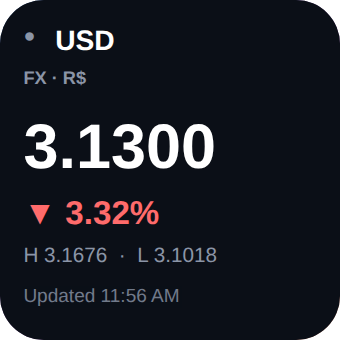
TickerKit Small
Small widget
One symbol in focus (price, daily change, high and low) or a list of up to 3 symbols.
Widget configurator for the Widgy app
Professionally designed widgets for the Widgy app on iPhone and iPad. Customize them in a simple web configurator with live preview, then download and import. No layers to draw, no code to write.
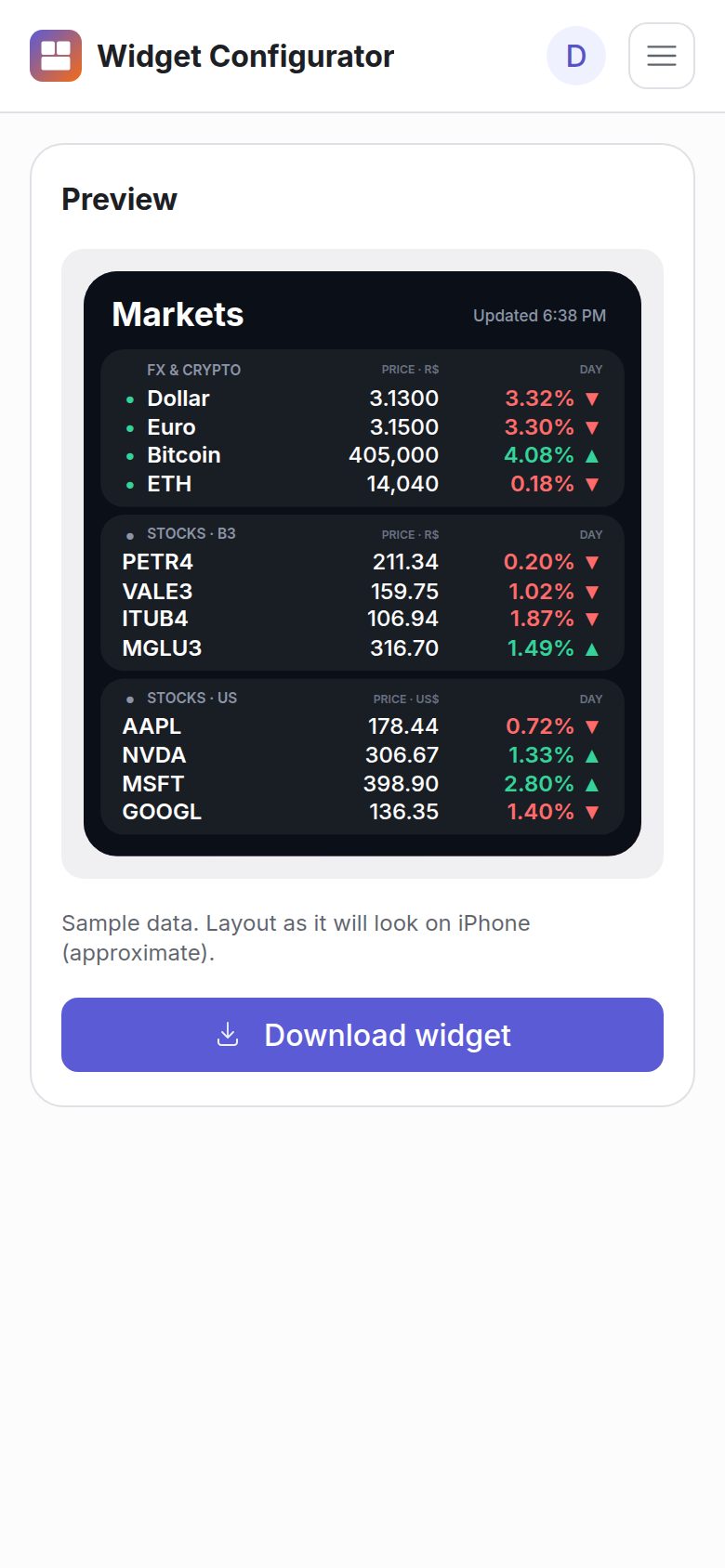
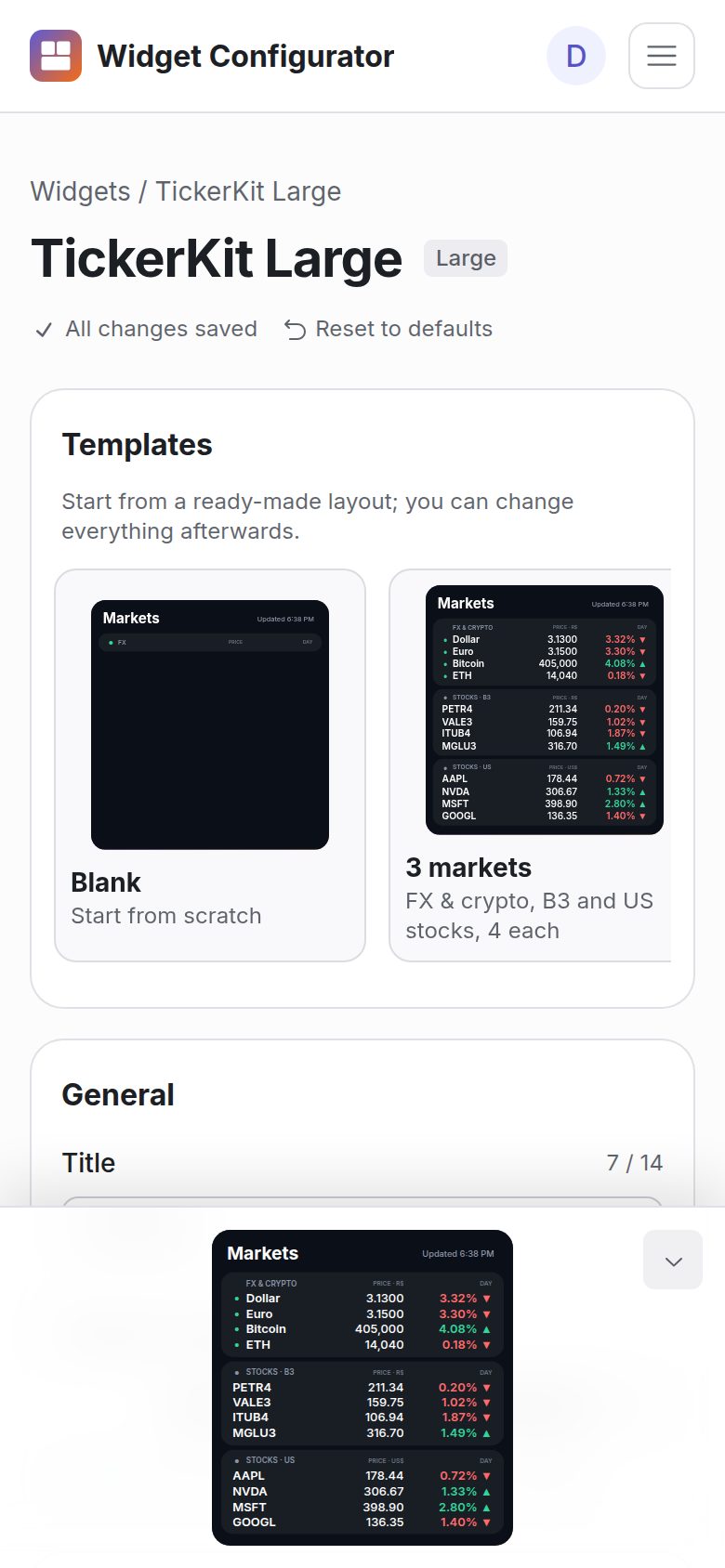
Our widgets run inside Widgy, an app for iPhone and iPad. You configure here, download the file and import it in Widgy.
Building a good widget in Widgy takes hours of layers, scripts and testing. Here it's a form.
Choose what to show, download and import. No layers to position, no scripts to write.
Every change shows up in the preview right away, in the widget's real size.
Themes, colors (including color-blind friendly), nicknames, title and language, all with a tap.
Your settings are saved. Come back, tweak and download again: a year of customization comes with every purchase.
Symbols and API keys are verified while you type, so the widget works on the first try.
The widget fetches data straight from your iPhone. Your keys are stored encrypted.
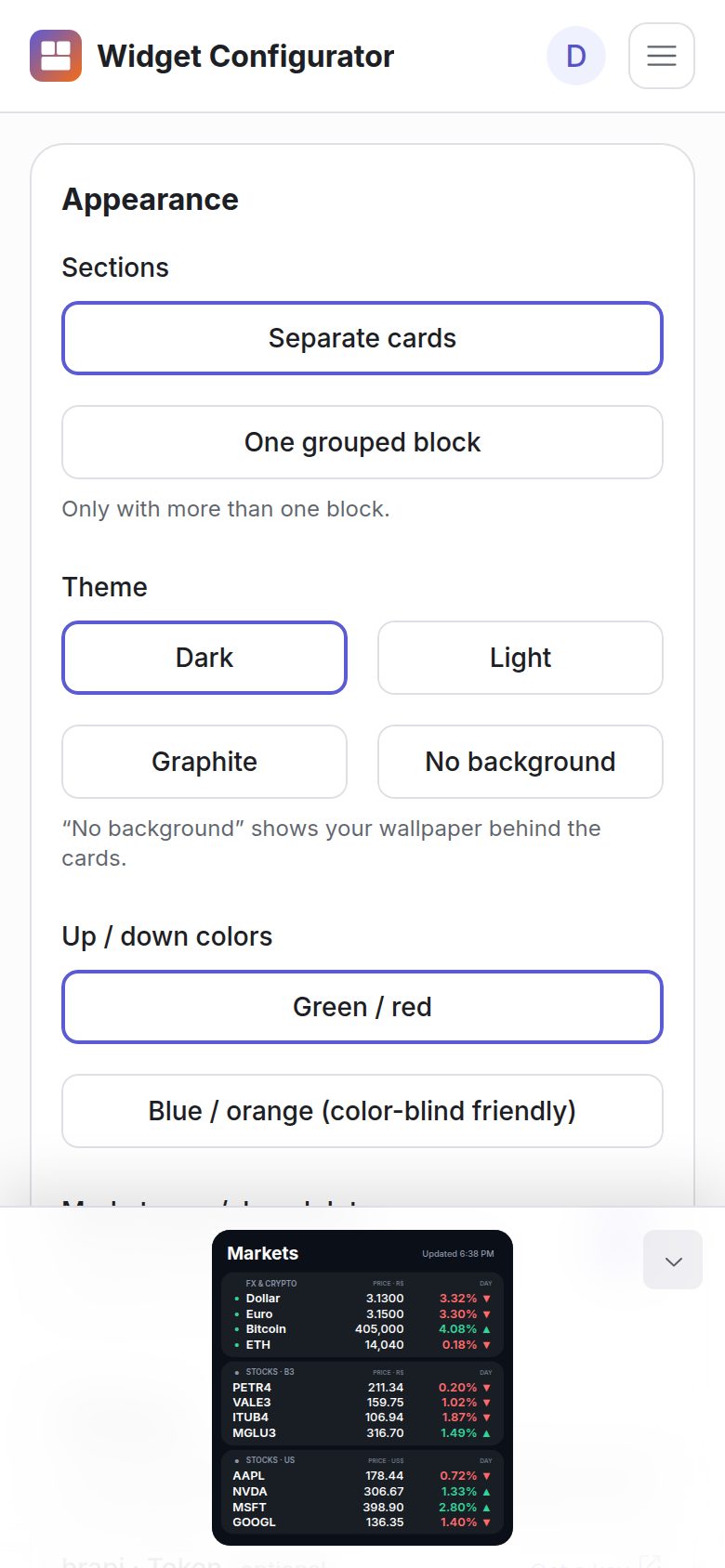
Get a widget on Gumroad, with 1 year of customization.
Open the configurator and activate your purchase once.
Pick what to show and how it looks, with a live preview.
Download the widget, open it in the Widgy app and add it to your Home Screen.
First collection
FX, crypto, Brazilian and US stocks, sold by size. Each size has ready-made templates and the same look: dark, light, graphite and transparent themes, green/red or blue/orange colors, nicknames and a market open/closed dot.

Small widget
One symbol in focus (price, daily change, high and low) or a list of up to 3 symbols.

Medium widget
One market with up to 6 symbols, or two markets side by side.

Large widget
Up to 3 stacked markets: 15 symbols with one, 12 with three. Ready-made templates included.
3 widgets
Small, Medium and Large in one purchase, for the price of two.
Sample data. Illustration of the widget, not live prices.
Every widget in every size, plus every new size and collection we release, with the full configurator while you're a member. Monthly or yearly. If you cancel, access stays until the end of the period you paid for.
Every purchase includes 1 year of customization in the configurator. Your widgets are yours forever: after that year you can still download your saved setups and change your API keys.
| One size | TickerKit Bundle | All Access | |
|---|---|---|---|
| Widgets | Small, Medium or Large | Small, Medium and Large | Every widget |
| All templates of each size | Yes | Yes | Yes |
| New sizes and collections | No | No | Yes |
| Customize in the configurator | 1 year | 1 year | While a member |
| Downloaded widgets keep working | Yes | Yes | Yes |
| Re-download saved setups later | Forever | Forever | While a member |
| Payment | Once | Once | Monthly or yearly |
The widget fetches prices straight from free public sources. Two of them need a free key, which you create in a minute and paste in the configurator.
| Market | Source | Key |
|---|---|---|
| FX & crypto | AwesomeAPI and Binance | Not needed |
| Brazilian stocks (B3) | brapi | Free token (optional for PETR4, VALE3, ITUB4, MGLU3) |
| US stocks | Finnhub | Free key |
iOS decides when widgets refresh, usually a few dozen times a day, so prices are not real time. On brapi's free plan, B3 prices are delayed about 30 minutes.
Pick a size, set it up in the configurator and import it in Widgy. Already bought? Open the configurator.